
Like Magic: Explorer Deployment with Autoscout Wizard

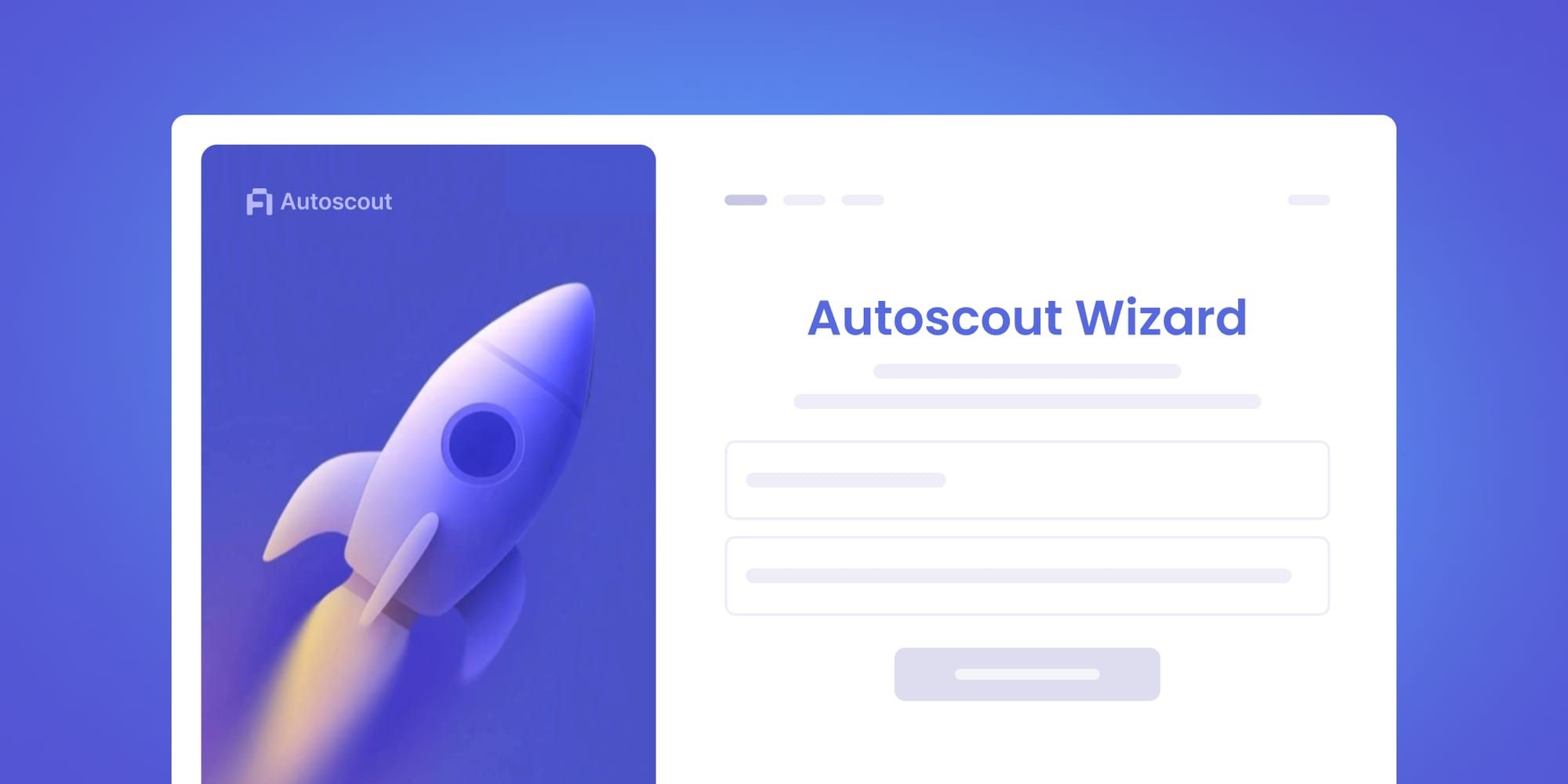
- Enter a name for your explorer
- Enter your RPC URL
- Sit back and enjoy the magic
Autoscout is already the leader in self-service explorers. It's enabled hundreds of chains to quickly and efficiently launch a block explorer, bringing deployment down from hours of DevOps work to a hosted form. While simplified, the form still required some lengthy information. No longer. The new Autoscout wizard trims setup to a simple name and RPC URL input.
Two fields
Prior to Autoscout Wizard you needed a full set of chain parameters before deployment: chain ID, chain name, currency details, rollup type, and more, split across Info, Branding, and Rollup config tabs. It was incredibly easy compared to self-hosting and deploying on your own infra, but still time consuming. The wizard replaces these initial forms with two fields: an instance name and your RPC endpoint.
Everything else gets detected and filled in automatically, including whether your chain is an Optimism, Arbitrum, or zkSync rollup, along with the settlement chain, batch storage type, and hardfork upgrade timestamps that go with it.
Branding is basic to start, but you can update after deployment as you like, while your chain is already indexing. The same goes for any other details you want to add later.
How it works
Visit deploy.blockscout.com and sign up or login to get started. If you don't have any instances running yet, the wizard will be the first thing you see. If you do have instances running, click the Add new instance button and the wizard handles the rest.
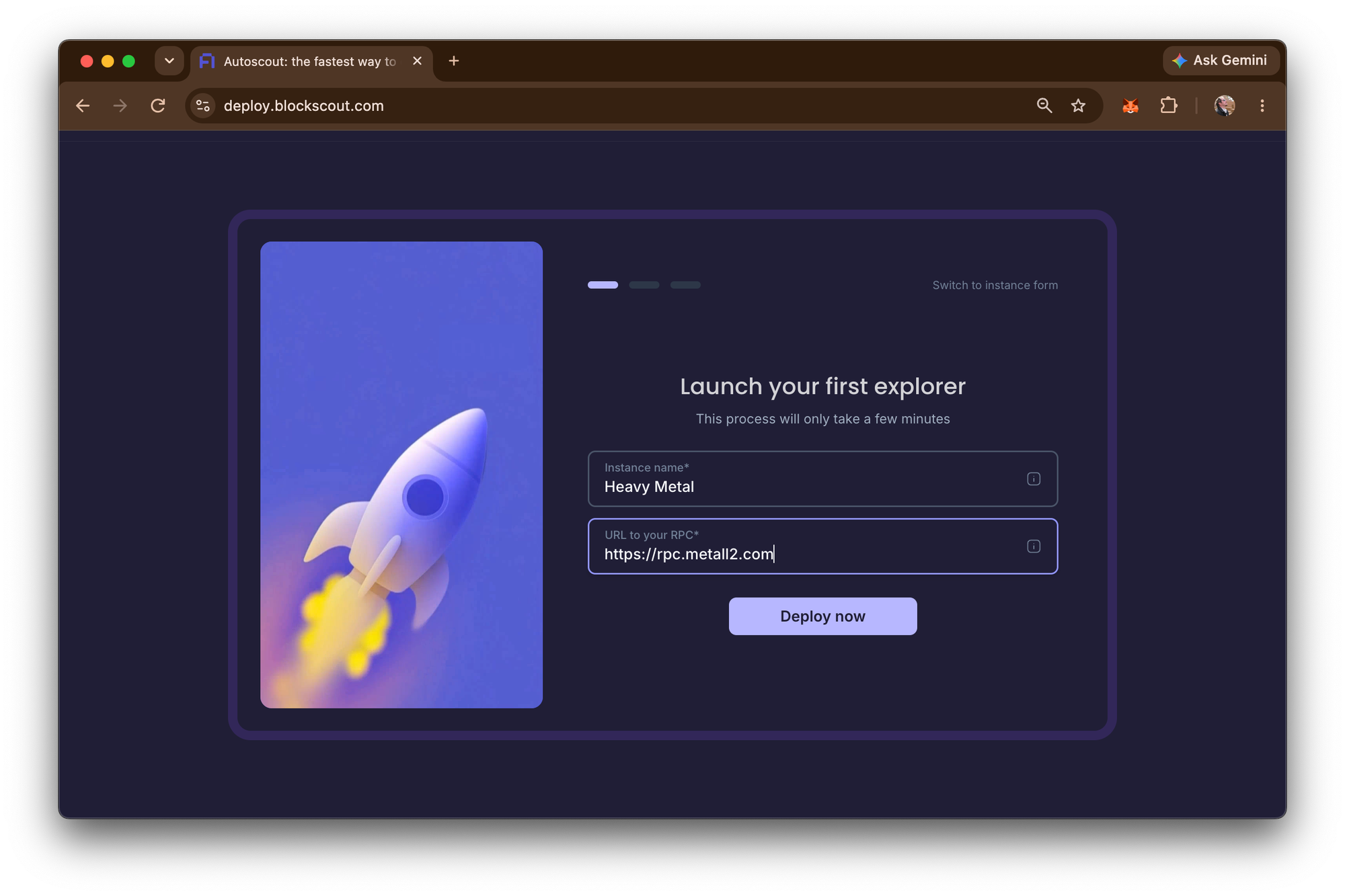
After you add your instance, you will see the wizard start up your explorer, taking you through the various stages of deployment.
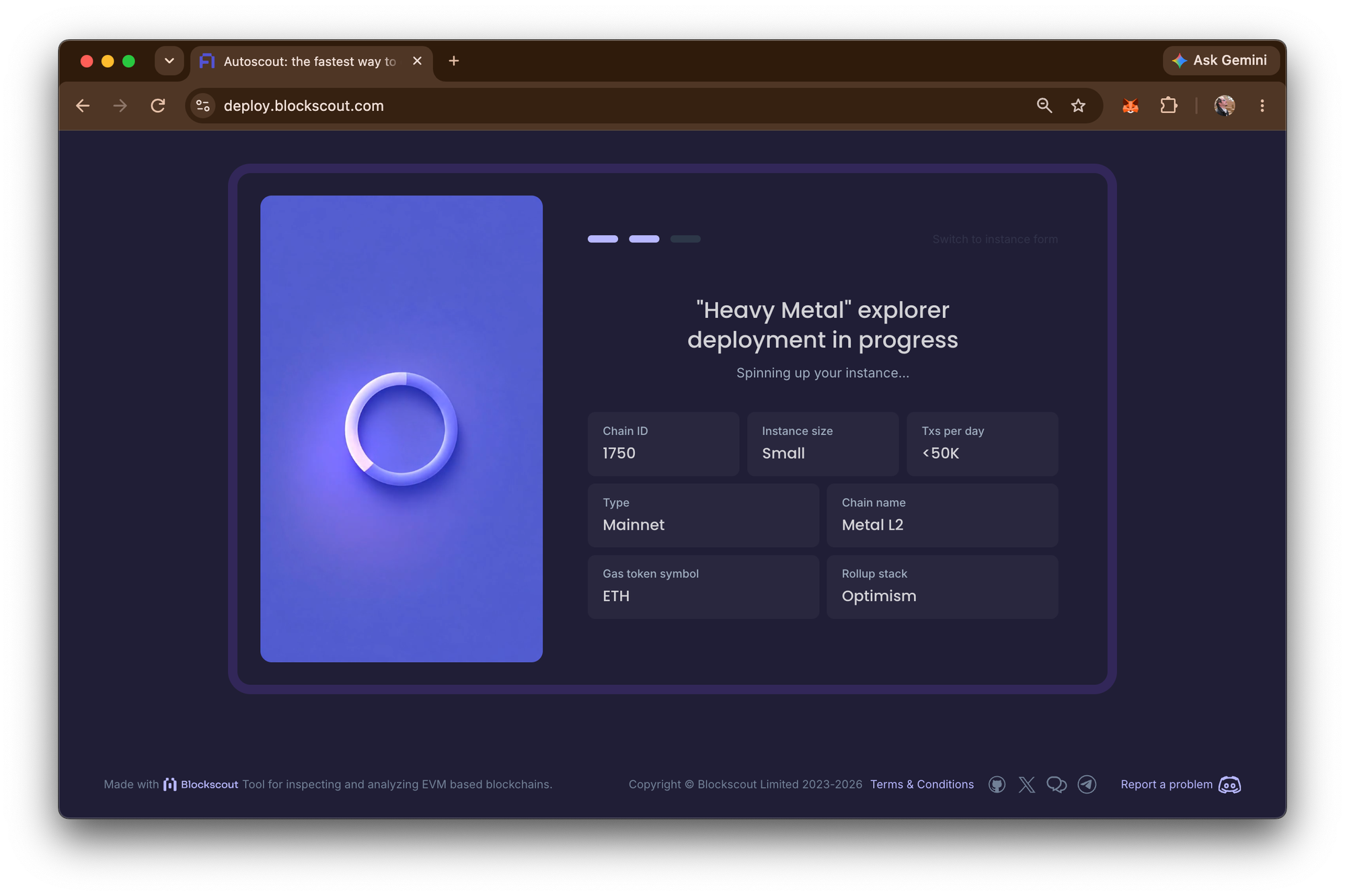
✅ Spinning up your instance….
✅ Configuring the database….
✅ Deploying the API and indexer…
✅ Applying basic branding…
✅ Running final checks….
Depending on your chain, the initial deployment can take anywhere from 2-10 minutes. After the final checks are complete, you can go back in and update your branding with logos, color schemes and your preferred layouts.
Pricing
Pricing doesn't change. Autoscout runs on a pay-as-you-go credit system and instances bill hourly based on size. It's an incredibly cost-efficient way to support a full-featured explorer for your EVM-based chain.
| Size | Hourly | Daily | Weekly | Monthly |
|---|---|---|---|---|
| xSmall (brand new chain) | $0.35 | $8.50 | $60 | $252 |
| Small (<50K tx/day) | $0.485 | $12 | $84 | $349 |
| Medium (<150K tx/day) | $0.972 | $24 | $168 | $700 |
| Large (<1M tx/day) | $1.32 | $32 | $224 | $950 |
Explorer Friction Eliminated
The Autoscout Wizard removes the last bit of friction from an already fast process. What used to require knowing and entering a chain's full configuration now just needs an RPC URL.
If you haven't tried Autoscout yet, now is the time! Sign up for an account at deploy.blockscout.com and get your first explorer up and running today!