
Ship Faster with Autoscout: Deploy a Block Explorer with Status, Logs, and Advanced Features
Deploy a production-ready block explorer faster with Autoscout. Learn how to launch, monitor status, inspect logs, and customize advanced features for EVM chains.


Autoscout serves as Blockscout's launchpad, enabling users to deploy fully operational blockchain explorers in just a few minutes. It is perfect for EVM-compatible chains, supporting both mainnets and rollups such as OP Stack, Arbitrum, and Polygon zkEVM.
Recently, Autoscout has added new functionalities for monitoring status and accessing logs. In this article, I will provide a comprehensive, step-by-step guide to initializing a new instance using a smaller-chain Remote Procedure Call (RPC) for indexing, and to check the status and inspect the logs.
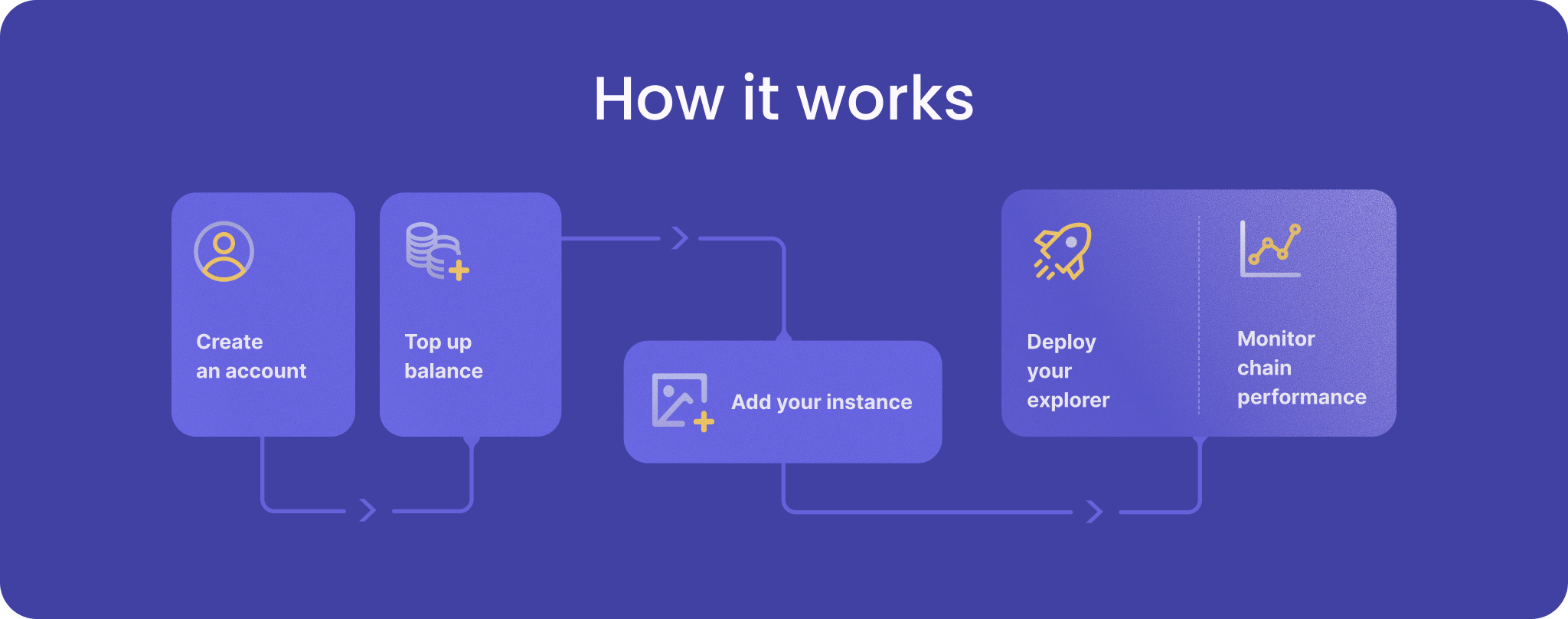
Step 1: Signing Up and Getting Credits
Visit https://deploy.blockscout.com/ and create an account.
For testing, join the Blockscout Discord and request free credits in the #autoscout channel.
For production, purchase credits via Stripe; pricing starts at $349/mo for X-Small instances (ideal for new chains with low traffic) and scales up to $949/mo for Large instances handling 1M+ transactions per day.
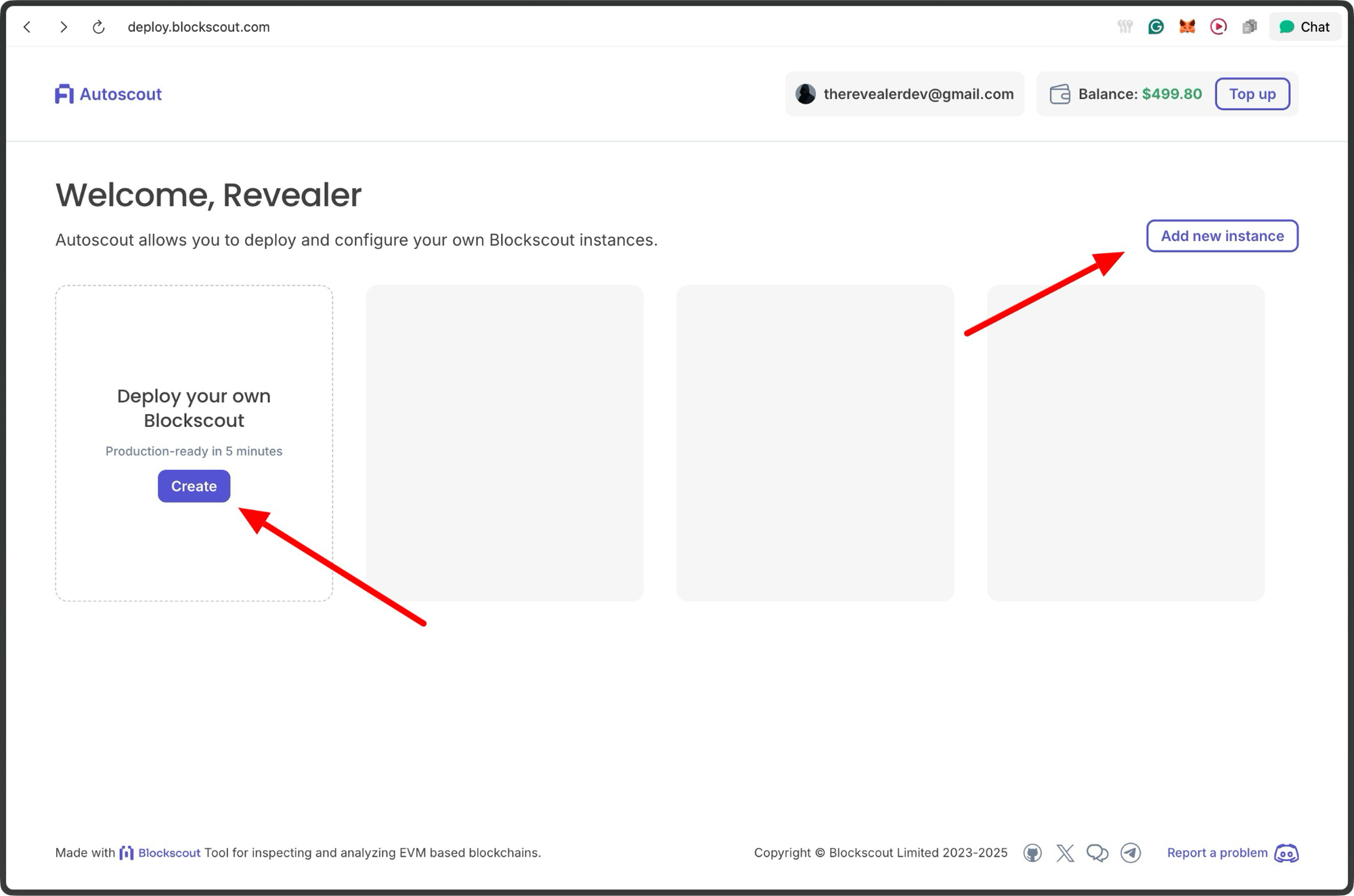
Once logged in, you'll see your dashboard, which includes your balance information and options to add instances.
Step 2: Creating a New Instance
Click "Add Instance" and select your instance size. In this example we use the X-Small instance, which is now deprecated. You can use the Small instance for low cost as needed.

Fill in the chain details:
- Chain name and ID (e.g., "Sepolia Testnet" and 11155111).
- Gas token symbol (ETH for Sepolia).
- Node type (Not needed for Sepolia testnet).
- RPC URLs: Provide an HTTPS RPC and WebSocket URL. I used an Alchemy Sepolia RPC for quick setup.
- If it's a rollup, specify the stack (not needed for Sepolia).
- Optional: Chain spec JSON link, public RPC for wallets, and WalletConnect ID for contract interactions.
Using a smaller chain ensured my explorer started syncing blocks almost immediately, much faster than previous mainnet attempts.
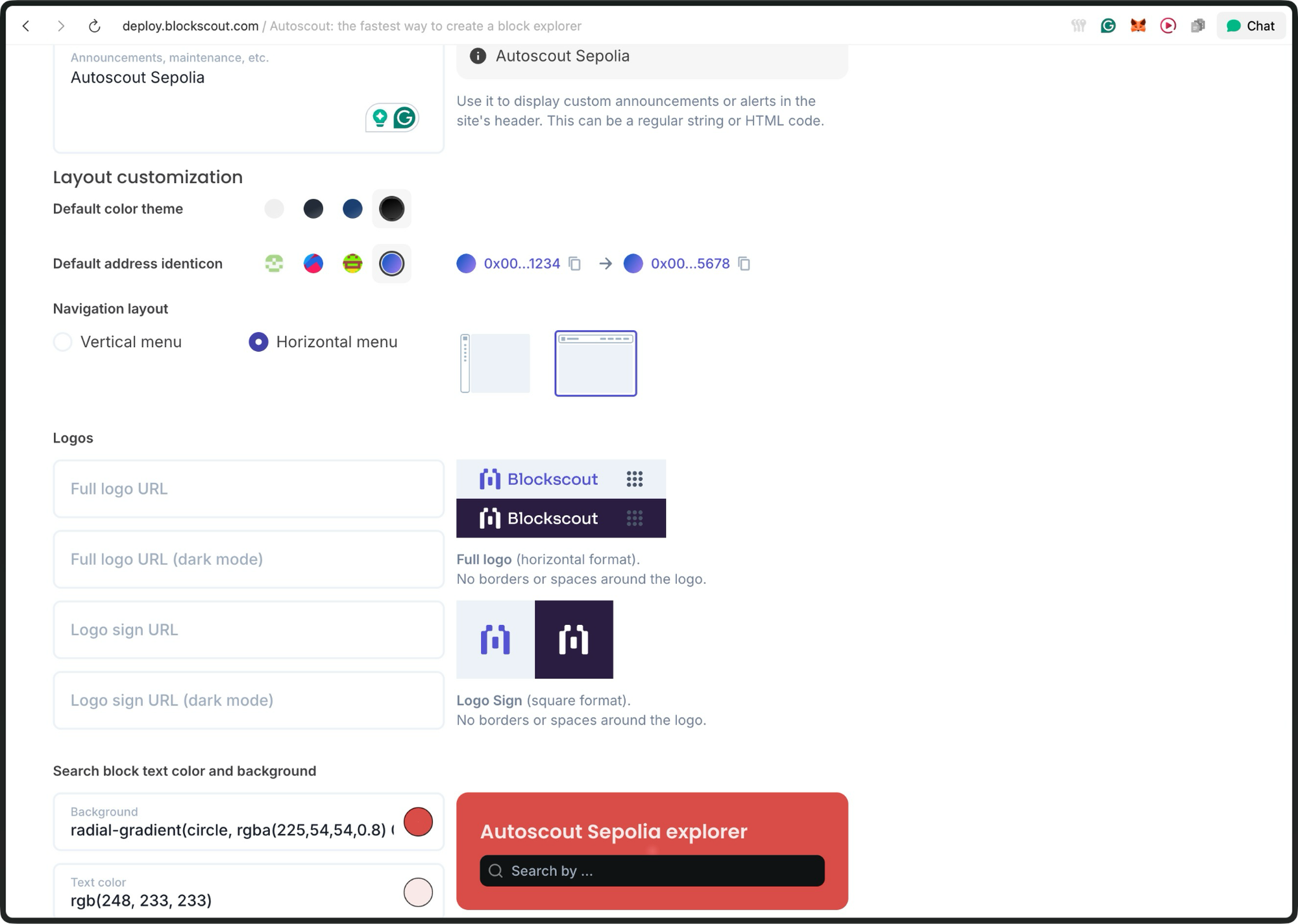
Step 3: Customizing Branding
In the Branding tab, upload logos (light/dark modes), set color themes, add banners, customize the layout, favicon, SEO metadata, and even footer links.
Step 4: Indexing
The indexing section lets you configure parameters for your indexer.
You can go ahead and deploy with the defaults

For this instance, I would disable the pending transactions fetcher. It's disabled because free RPC endpoints don't support it, and it's not critical for a functional block explorer.
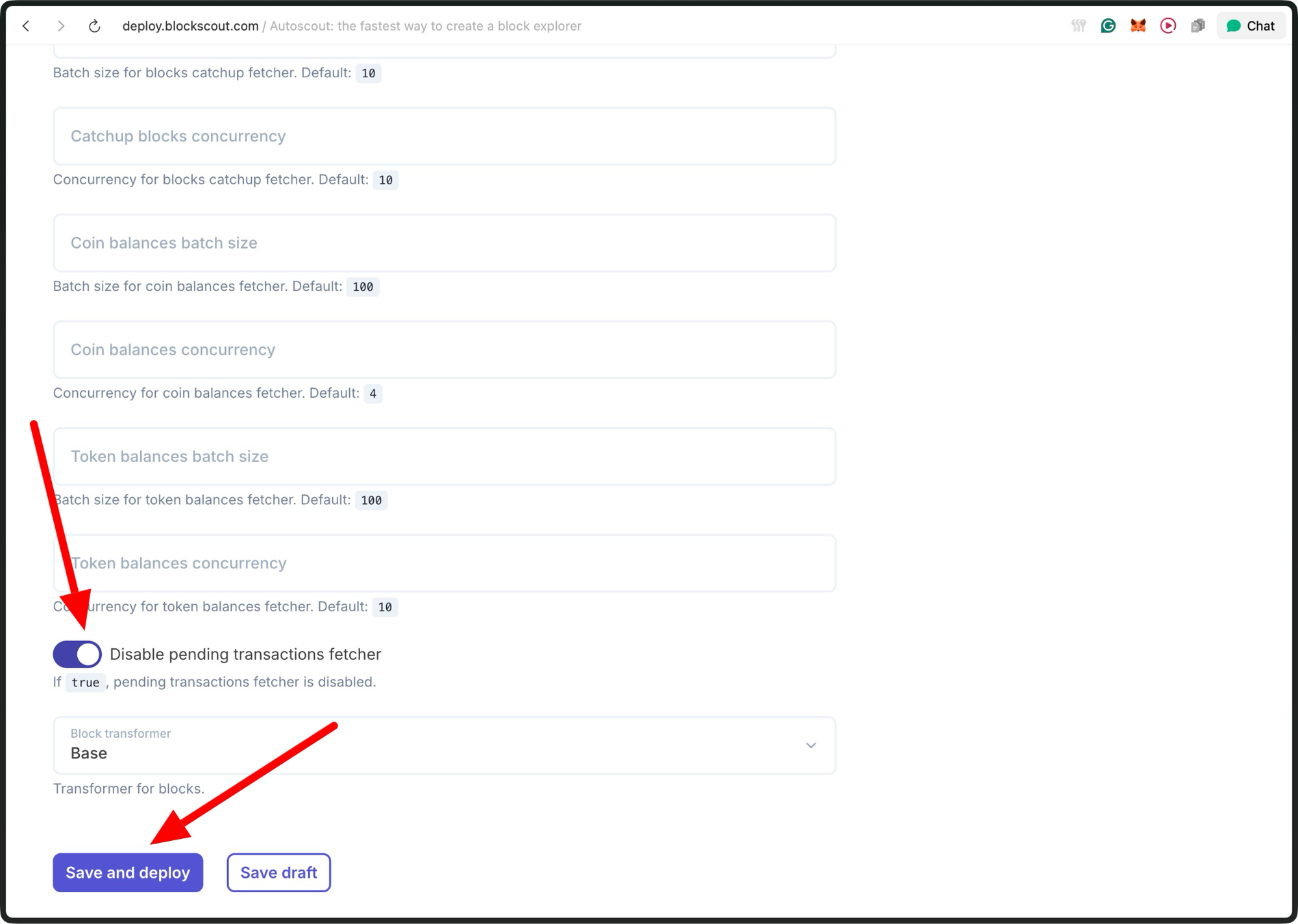
Click "Save and deploy".
Accessing Logs and Status
Direct log access is a new addition to Autosocut.
In the instance dashboard, the "Logs" section pulls server and indexing logs for review. This helps identify errors such as failed block fetches or configuration issues without requiring support tickets.
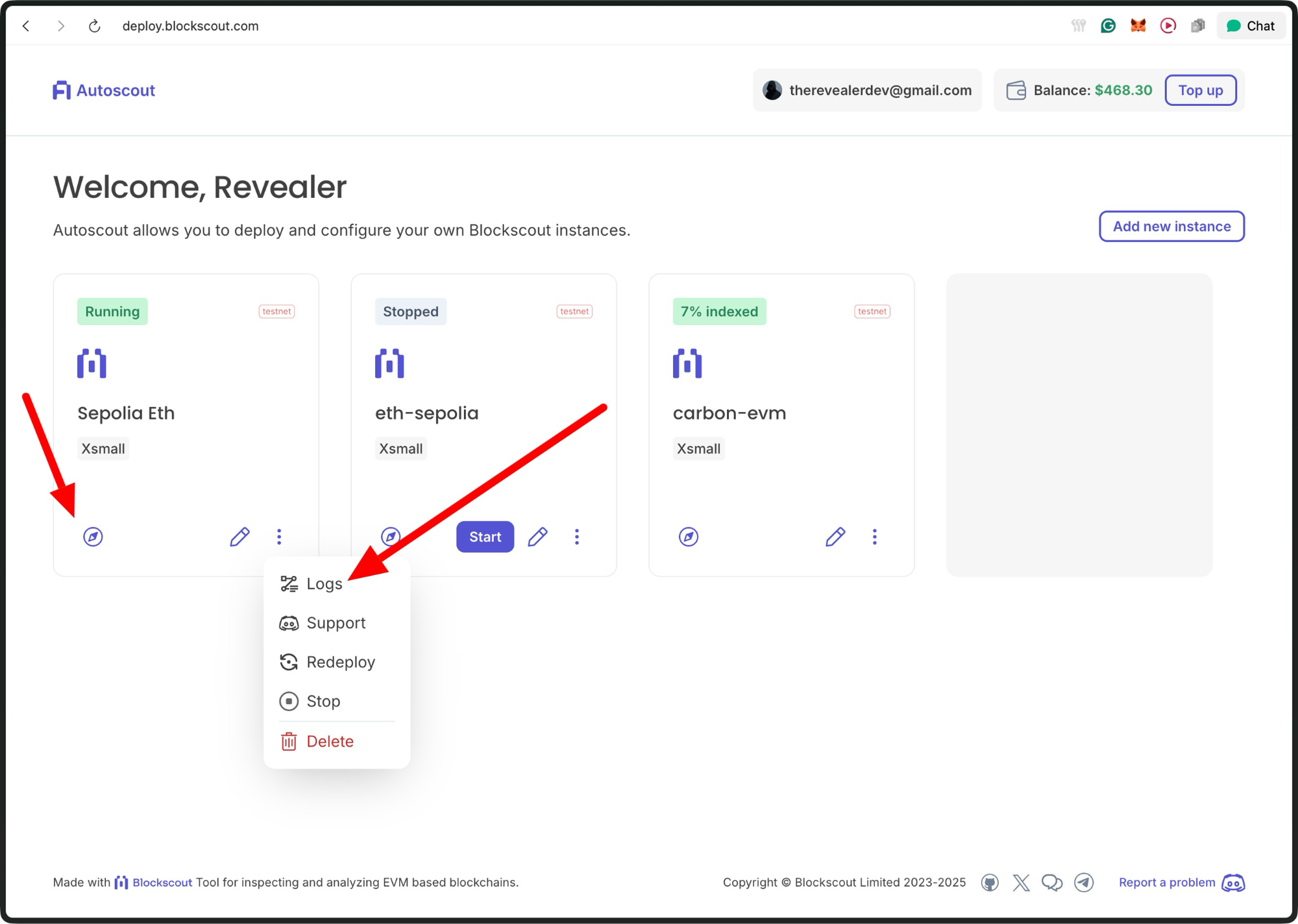
Click the “logs” to access the logs dashboard.
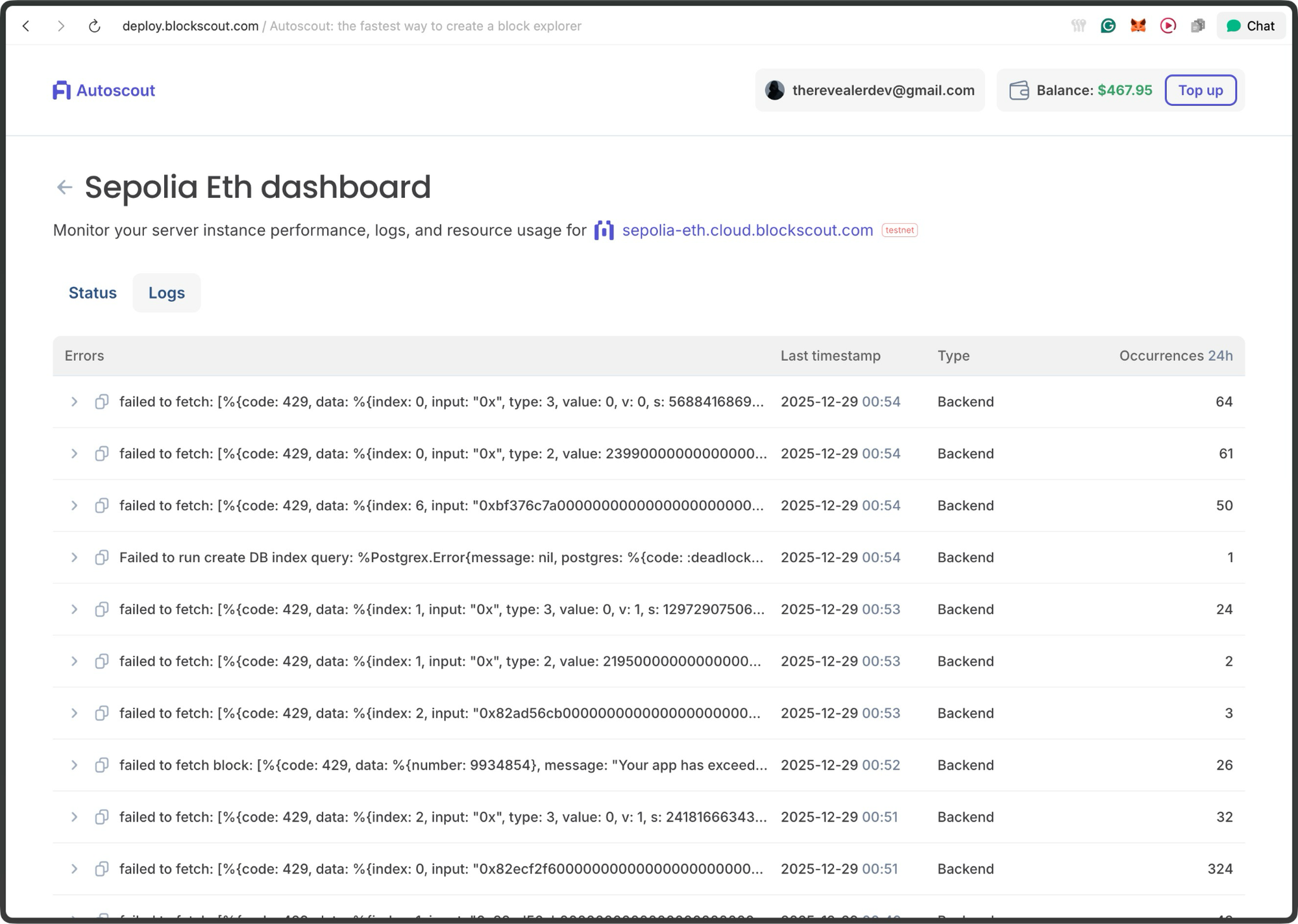
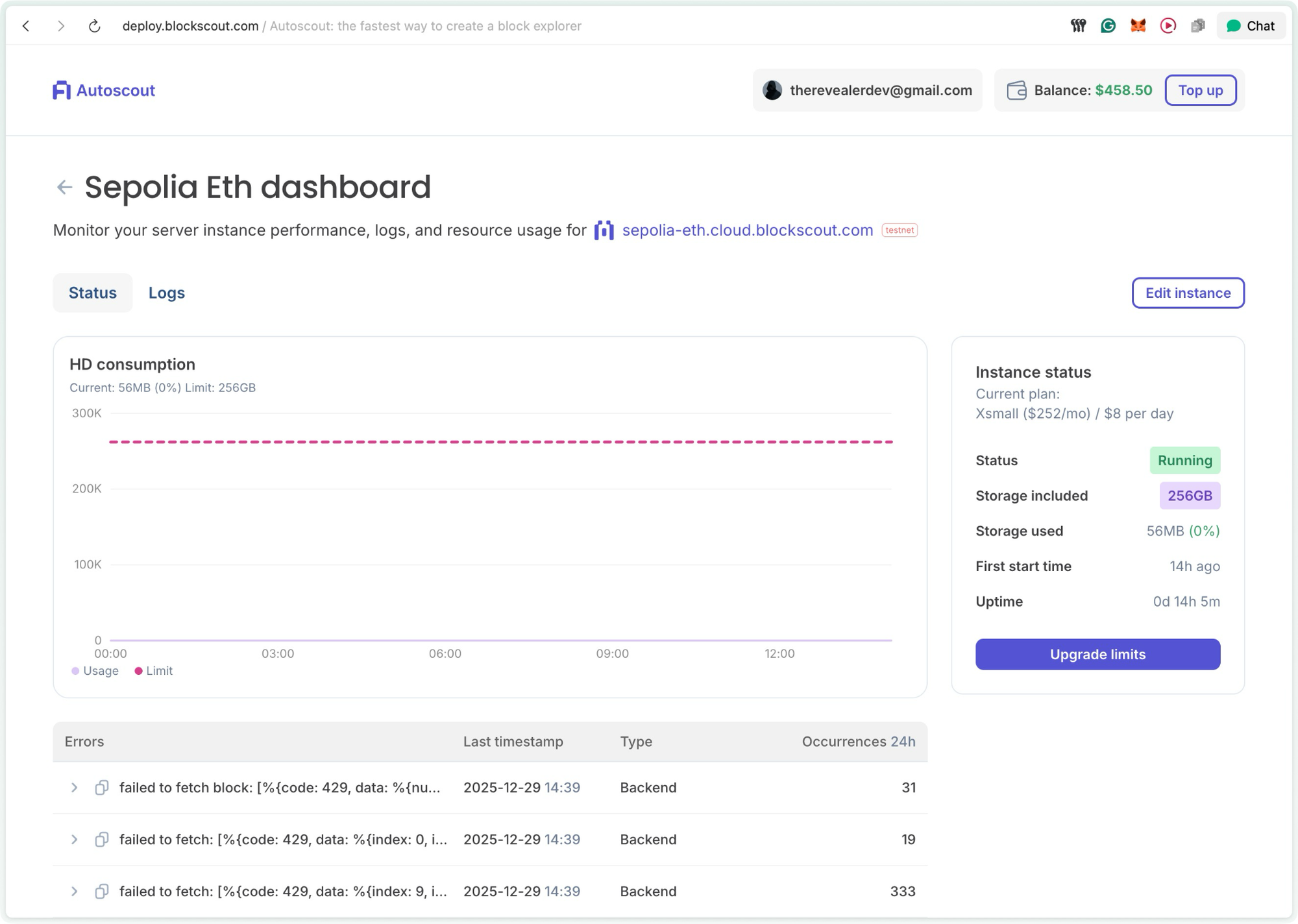
From the dashboard, you can see any errors and also check the Status tab.
Click copy on the error message, and paste it into ChatGPT or Claude.
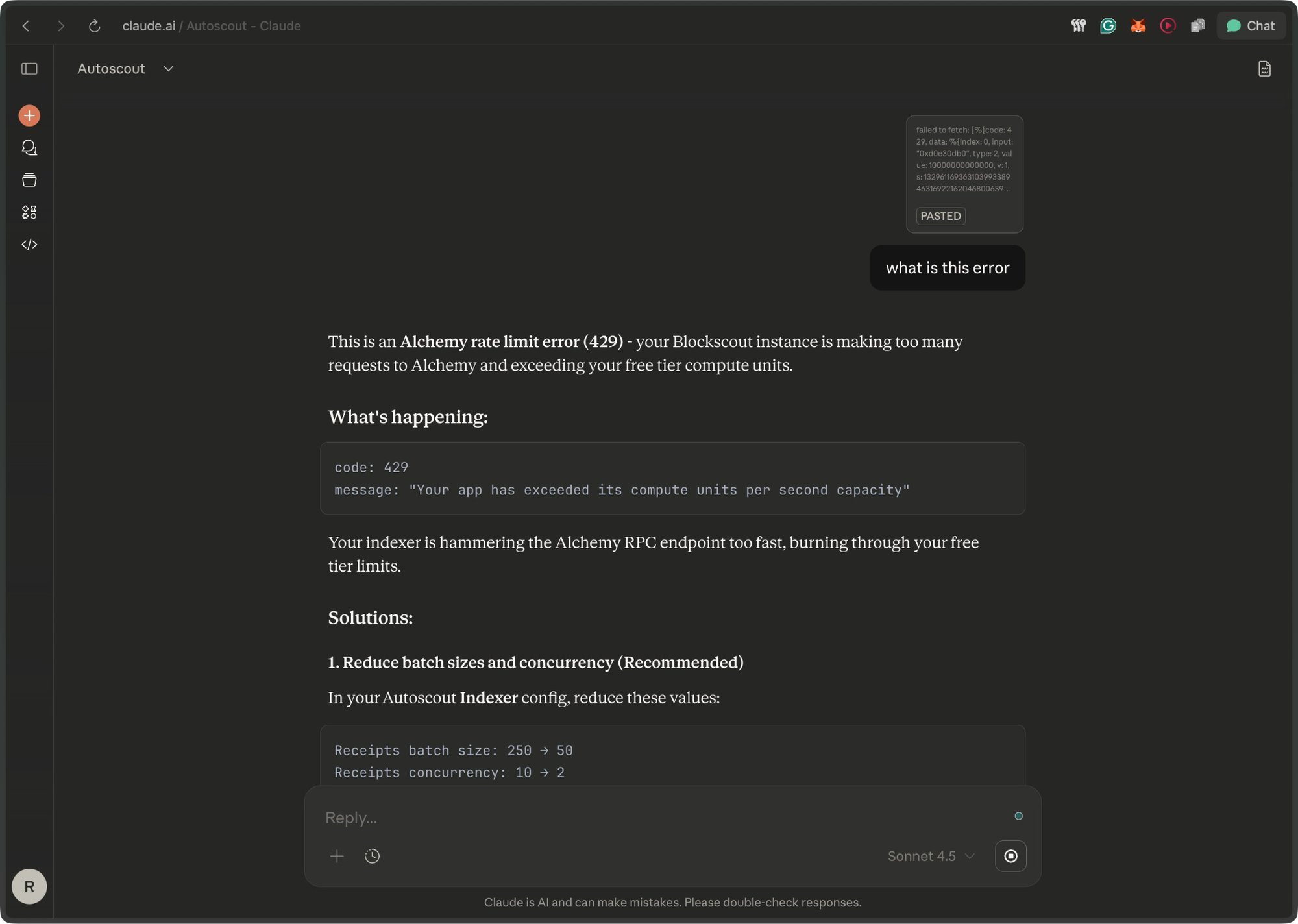
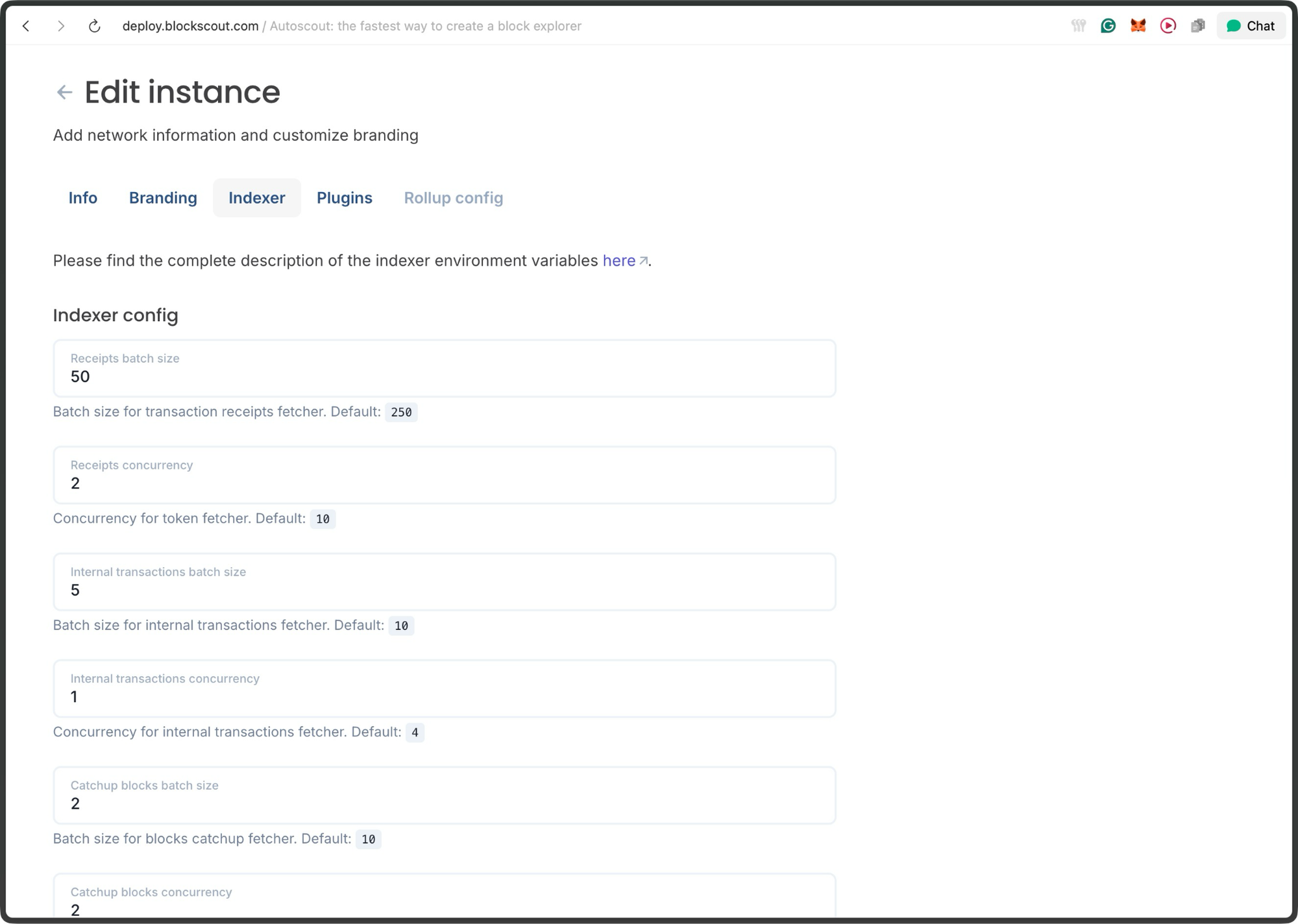
To fix this, I reduced the indexer parameters to slow requests, but this also slowed indexing overall.
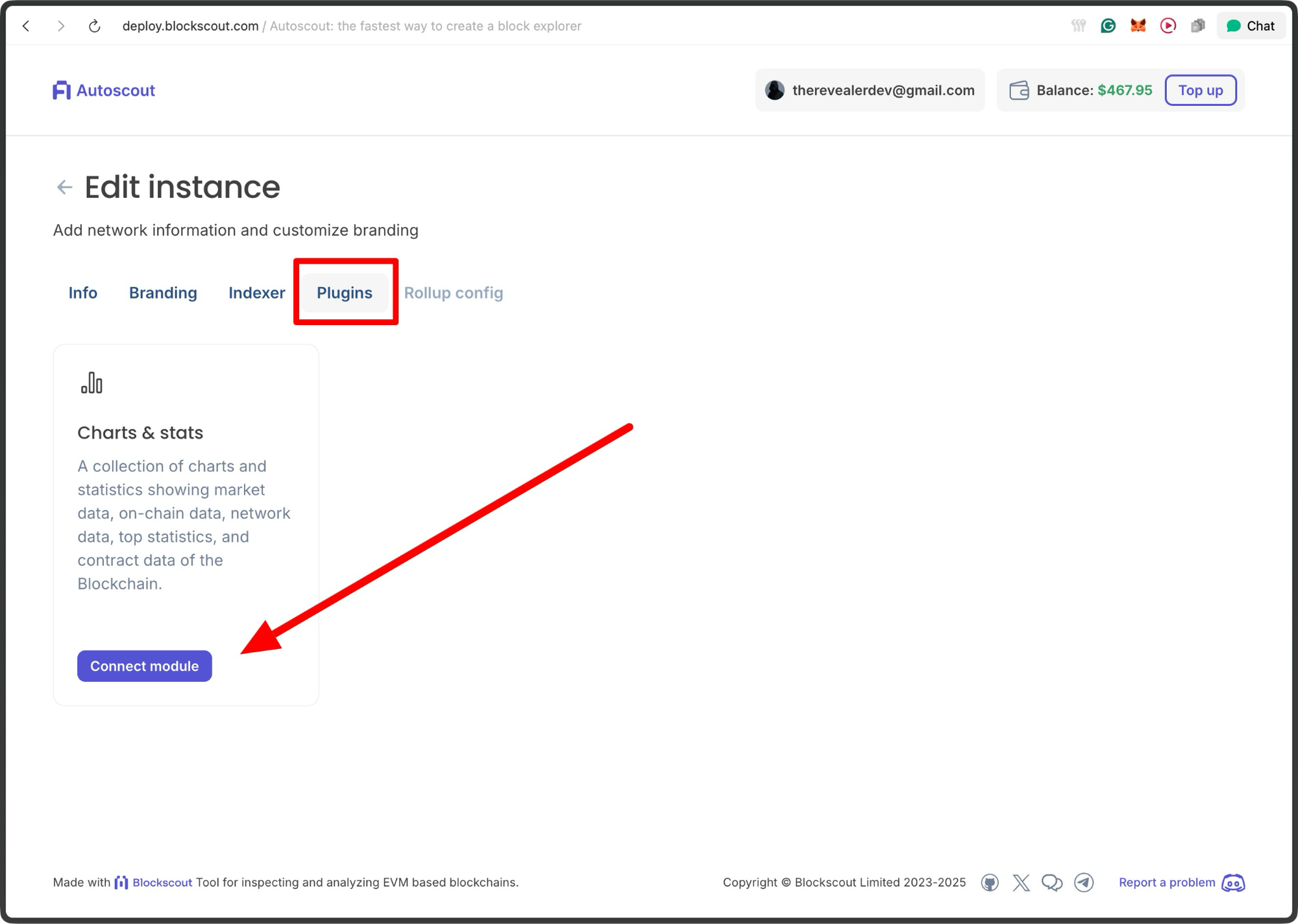
Add Plugins
You can now also enable plugins such as Advanced Stats for deeper insights into gas usage, block times, and throughput for your explorer.
Conclusion
Autoscout removes nearly all the friction from launching and operating a production-grade Blockscout explorer. You can stand up a fully functional explorer in minutes, validate your configuration quickly, and iterate without burning time or budget.
The new status and log visibility make debugging straightforward, turning RPC limitations or indexing hiccups into solvable configuration issues rather than blockers. Whether you’re testing a new EVM chain, spinning up a rollup explorer, or preparing for mainnet, Autoscout provides a fast, transparent, and scalable path from zero to a live blockchain explorer.